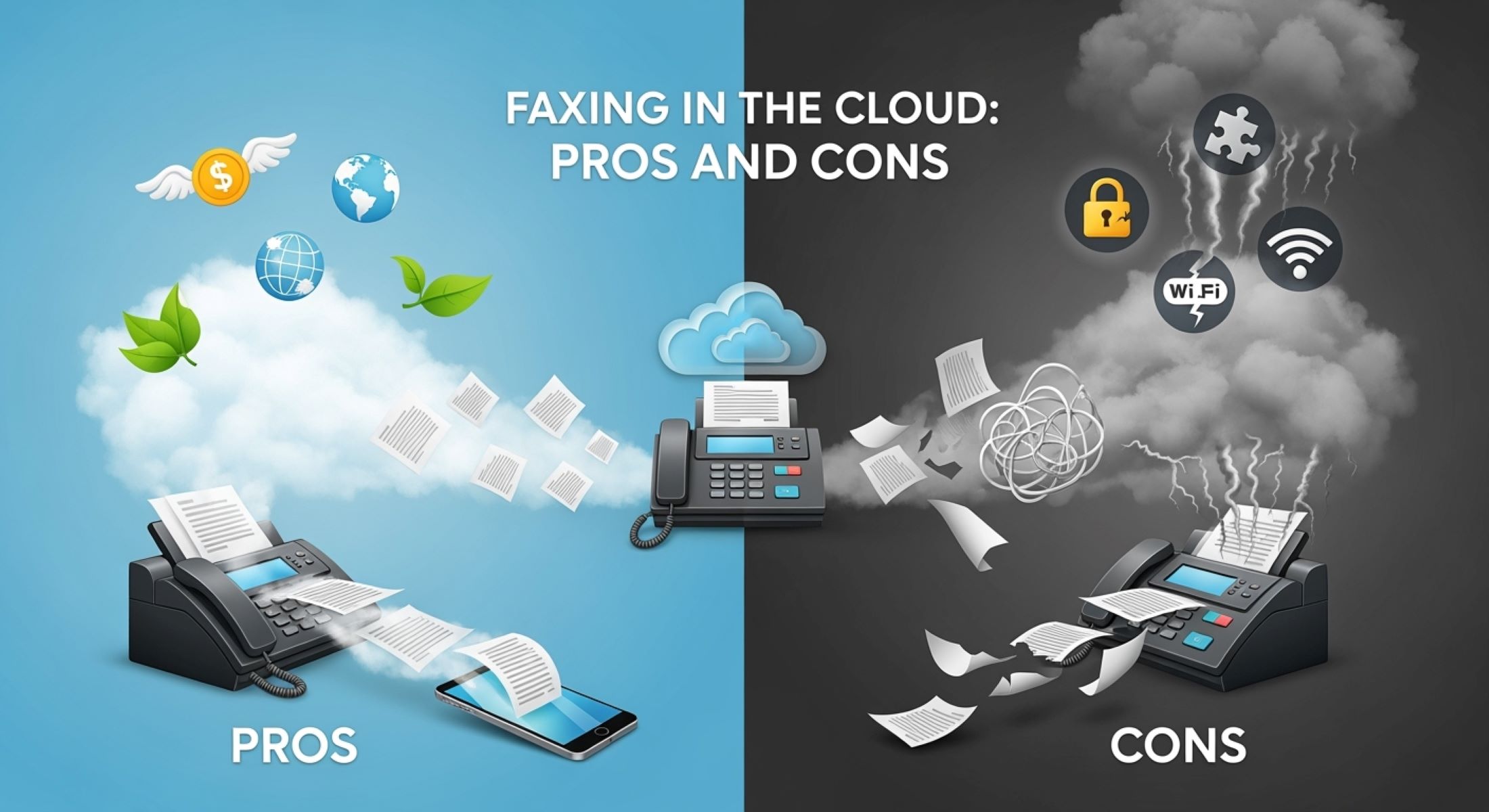
Remember the good old days when fax machines ruled the office? That iconic sound of pages sliding through rollers, the warm hum, and the paper popping out — it was the heartbeat of business communication for decades. But now, in the digital age, the fax machine is undergoing a major makeover: it’s moving to the cloud. Yep, faxing in the cloud is becoming a real game-changer. But what exactly is faxing in the cloud? And why are businesses scrambling to ditch clunky machines for virtual fax solutions? Well, if you’re wondering whether this newfangled technology is all it’s cracked up to be, you’ve landed in the right spot. Let’s dive deep, unpacking the pros and cons of cloud faxing, and see if it’s the right fit for you.
What Is Faxing in the Cloud?
Before diving into the deeper details, it’s important to understand what faxing in the cloud actually means. Traditional faxing involves using a physical fax machine connected to a dedicated phone line, which can feel outdated and cumbersome in today’s digital world. Cloud faxing, sometimes known as online fax or internet fax, completely transforms this process by allowing you to send and receive faxes through the internet, eliminating the need for any physical fax hardware. This modern approach turns your documents into digital files that can be securely transmitted through cloud servers, making faxing faster, more accessible, and convenient.
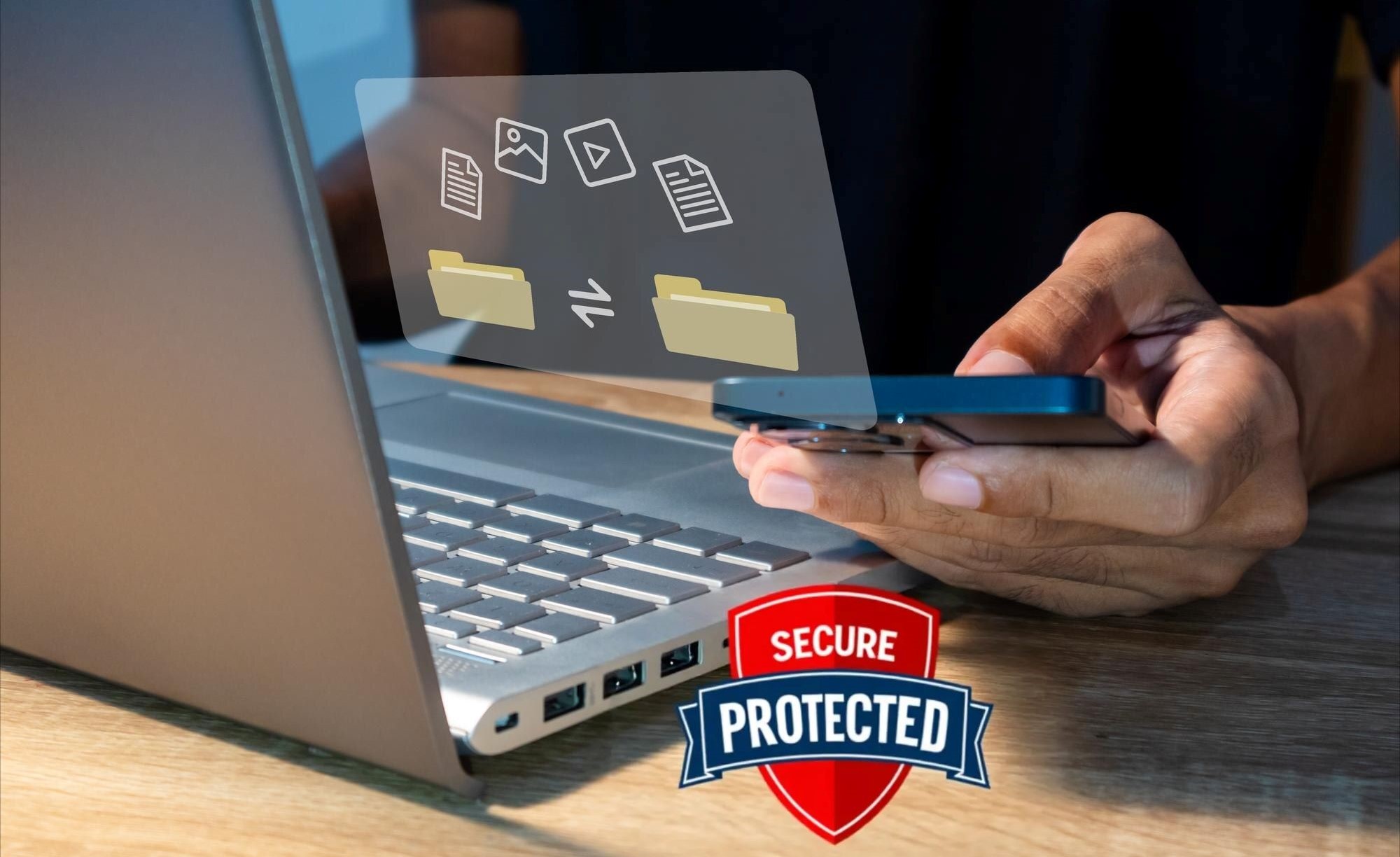
At its core, cloud faxing uses internet technology to bridge the gap between old-school fax systems and today’s digital communication. Instead of dialing a phone number on a fax machine, your document is uploaded online, often through an email, web portal, or a dedicated app, from virtually any internet-connected device — be it your laptop, smartphone, or tablet. This means you’re no longer tied to a bulky machine or office desk, giving you the freedom to manage your fax communications anywhere, anytime. The cloud acts as a digital middleman, securely handling your document transfer so it reaches its intended recipient in the proper fax format.
How does this work in practice? Imagine it like sending a letter, but rather than putting it in a mailbox with a stamp, you’re sending it through an email system that seamlessly converts your message into a format compatible with fax machines. When you send a fax through the cloud, your file is uploaded to a secure cloud server. This server then translates the document into the right format and either transmits it directly to the recipient’s fax machine via a phone line or delivers it through another cloud fax service if the recipient also uses internet faxing. This hybrid method ensures compatibility with traditional fax machines while leveraging modern technology.
What makes cloud faxing especially appealing is its ability to integrate effortlessly with existing digital workflows. Many cloud fax services allow users to send faxes straight from their email inbox, eliminating extra steps and simplifying the process. On the receiving end, faxes arrive as email attachments or can be accessed via secure online portals, making document management easier than ever. By combining the reliability of traditional fax with the flexibility of cloud computing, faxing in the cloud offers a practical and efficient solution for businesses and individuals who still rely on fax communications but want to leave the hassle of physical machines behind.
The Evolution: Why Move to Cloud Faxing?
- Declining Use of Landlines
Many businesses are moving away from traditional phone lines, switching to VoIP and mobile communication, making dedicated fax lines less practical. - Significant Cost Savings
Eliminates upfront costs for hardware, ongoing maintenance, repairs, paper, toner, and dedicated phone lines. - Improved Mobility and Flexibility
Fax from anywhere using laptops, smartphones, or tablets without needing to be physically near a fax machine. - Seamless Integration with Digital Workflows
Connects directly with email, document management systems, CRM platforms, and collaboration tools, streamlining daily operations. - Scalability for Growing Businesses
Easily adjusts to increased fax volume without requiring additional physical equipment or infrastructure upgrades. - Enhanced Security and Compliance
Uses encryption, secure servers, and adheres to industry regulations like HIPAA and GDPR to protect sensitive data better than traditional fax machines. - Environmental Benefits
Reduces paper consumption and electronic waste, supporting corporate sustainability initiatives. - Faster and More Reliable Transmission
Digital delivery avoids problems like paper jams, busy signals, and transmission errors common with physical fax machines. - Anywhere, Anytime Access
Enables remote teams, traveling professionals, and multi-location businesses to maintain seamless fax communication without office restrictions. - Reduced Administrative Overhead
Automatic fax logs, confirmations, and digital archiving simplify record-keeping and reduce manual paperwork. - No Need for Physical Office Space for Equipment
Frees up office space previously taken by bulky fax machines and related supplies.
Pros of Faxing in the Cloud
| Benefit Category | Traditional Fax Machine | Cloud Faxing | Why It Matters | Impact on Business |
| Cost Efficiency | High upfront cost for hardware and ongoing maintenance | No hardware required; minimal to no maintenance needed | Eliminates need for purchasing and servicing physical devices | Saves money on equipment and upkeep, freeing budget |
| Pricing Model | Fixed costs, including dedicated phone lines | Flexible pay-as-you-go or subscription plans | Pay only for what you use, no wasted expenses | Ideal for startups and SMBs managing cash flow |
| Paper & Ink Usage | Continuous purchase of paper, toner, and ink | No physical supplies required | Reduces ongoing consumable costs | Lowers office supply expenses and administrative hassle |
| Setup & Installation | Time-consuming setup; requires phone line installation | Instant setup online via cloud provider | Rapid deployment without technical support | Quick onboarding and minimal downtime |
| Accessibility & Mobility | Requires physical presence at fax machine | Fax anywhere with internet access on multiple devices | Enables remote work and flexible communication | Supports modern work environments and mobile teams |
| Integration with Email & Apps | Standalone device, no integration | Works directly with email clients and mobile apps | Seamless workflow integration and user-friendly experience | Increases productivity and reduces friction in operations |
| Security & Compliance | Documents often left unattended on machines | End-to-end encryption and secure cloud storage | Protects sensitive information and meets regulatory standards | Ensures legal compliance and protects business reputation |
| Regulatory Compliance | Difficult to guarantee compliance | Many providers comply with HIPAA, GDPR, and others | Essential for healthcare, legal, and financial sectors | Reduces risk of fines and legal issues |
| Environmental Impact | Heavy use of paper, ink, and energy | Virtually paperless and energy efficient | Supports sustainability initiatives and reduces waste | Helps businesses meet environmental goals |
| Reliability & Speed | Susceptible to jams, busy signals, and line noise | Digital delivery with confirmation receipts | Faster, more reliable transmission of documents | Reduces delays and improves communication efficiency |
Cons of Faxing in the Cloud
While faxing in the cloud offers plenty of benefits, it’s important to recognize that it’s not without its challenges. One of the biggest drawbacks is the heavy reliance on internet connectivity. Since cloud faxing depends entirely on an active and stable internet connection, any interruptions or outages can bring your fax communications to a grinding halt. For businesses operating in areas with unreliable internet service or frequent downtime, this can cause serious disruptions, especially when time-sensitive documents need to be sent or received promptly.
Security concerns also remain a notable downside. Even though cloud fax providers generally implement encryption and various security measures to protect data, no system connected to the internet is completely immune to cyber threats. Cloud-based platforms can become targets for hackers aiming to breach sensitive information. This means you must place a high degree of trust in your service provider’s security protocols and their ability to maintain up-to-date defenses against evolving cyber risks. For organizations handling highly confidential data, this can feel like a potential vulnerability.
Compatibility issues present another challenge in the world of cloud faxing. Despite the increasing adoption of cloud technology, a significant number of recipients still rely on traditional fax machines. When your cloud fax needs to connect with these older devices, it can sometimes result in delays, transmission errors, or failed deliveries due to the technological gap between digital and analog systems. This friction can slow down workflows and create frustration, especially if your business frequently sends faxes to clients or partners who have not yet embraced digital solutions.
Finally, while cloud faxing generally reduces upfront costs by eliminating the need for physical hardware, the ongoing subscription or per-use fees can add up over time. For businesses that handle a high volume of fax transmissions, these recurring costs might surpass the expense of maintaining traditional fax machines in the long run. It’s important to carefully evaluate your faxing needs and volume to ensure that a cloud faxing plan remains cost-effective. Otherwise, what starts as a budget-friendly option could become more expensive than anticipated.
How to Choose the Right Cloud Fax Service
Choosing the right cloud fax service can feel overwhelming given the many options available today. To help you make a smart decision, here’s a detailed checklist of important factors to consider:
- Security
Protecting sensitive information should be your top priority. Look for providers that offer end-to-end encryption to ensure your faxes remain confidential throughout transmission and storage. It’s also essential to verify if the service complies with industry regulations such as HIPAA for healthcare or GDPR for data privacy. A secure provider minimizes risks of data breaches and builds trust. - User Interface and Ease of Use
The service should be simple and intuitive to use, even if you’re not tech-savvy. A well-designed user interface with seamless email integration and easy-to-navigate apps makes sending and receiving faxes straightforward. This reduces training time for your team and avoids frustration during daily use. - Pricing Structure
Find a plan that fits your budget while meeting your faxing needs. Pricing models can vary widely — some providers charge monthly subscriptions, others offer pay-as-you-go options. Transparency is key: make sure there are no hidden fees, and that you understand any limitations on fax volume or features. Flexible plans allow you to scale as your faxing needs grow or shrink. - Customer Support
Reliable customer support can save you a lot of headaches. Look for providers that offer responsive help, preferably 24/7 support through multiple channels like chat, phone, or email. Fast and knowledgeable support helps resolve any issues quickly and ensures your fax service runs smoothly without interruptions. - Compatibility with Your Existing Systems
The cloud fax service should work seamlessly with your current tools and software. Check if it supports fax-to-email functionality and can handle multiple document formats. Compatibility reduces the need to change your workflows and helps maintain productivity as you transition to cloud faxing.
Who Should Consider Cloud Faxing?
| User Group | Key Characteristics | Why Cloud Faxing Fits | Benefits for This Group | Examples |
| Small and Medium Businesses (SMBs) | Limited budgets and IT resources | Offers an affordable, easy-to-manage solution without hardware | Reduces upfront costs; eliminates maintenance; simple setup | Local shops, startups, regional firms |
| Remote Teams and Mobile Workers | Distributed workforce, frequent travel | Enables faxing from anywhere, on any internet-enabled device | Supports remote communication; improves team collaboration | Freelancers, sales teams, consultants |
| Industries with Regulatory Needs | Handle sensitive data under strict compliance rules | Provides secure, encrypted faxing compliant with regulations | Ensures data protection; reduces legal risks; maintains privacy | Healthcare providers, law firms, financial services |
Step-by-Step Guide: How to Start Faxing in the Cloud
Making the switch to cloud faxing might seem intimidating at first, but it’s actually quite straightforward. The first step is to research and choose a cloud fax service that fits your specific needs. There are many providers out there, each offering different features, pricing plans, and levels of security. Consider your fax volume, budget, and any compliance requirements your industry might have. Taking the time to compare these options will help you find a provider that’s reliable, easy to use, and tailored to your business.
Once you’ve selected a provider, the next step is to sign up and set up your account. Typically, this involves a simple online registration process where you provide some basic information. After signing up, you will receive a virtual fax number, which works much like a traditional fax number but operates through the internet. This number is what you’ll use to send and receive faxes without the need for a physical fax machine or dedicated phone line.
Sending and receiving faxes with your cloud fax service is simple and convenient. You can send faxes by attaching your documents directly to an email or uploading files through the provider’s web portal. When you send a fax, the service converts your digital document into a fax-compatible format and transmits it over the internet or telephone lines to the recipient. Receiving faxes works similarly — incoming faxes are converted into digital files and delivered to your email inbox or stored securely on the provider’s platform, complete with electronic confirmations for your records.
Finally, managing and archiving your faxes is much easier with cloud faxing compared to traditional methods. Most providers offer online dashboards or apps that allow you to track sent and received faxes, view delivery statuses, and organize documents in digital archives. This centralized system simplifies record-keeping, reduces paper clutter, and ensures that important faxes are always accessible when you need them. Overall, starting with cloud faxing is a seamless transition that modernizes your communication while saving time and resources.